Tap Start
One control. No setup, no account, no second button.
- Tap once to begin
- Use it immediately after download
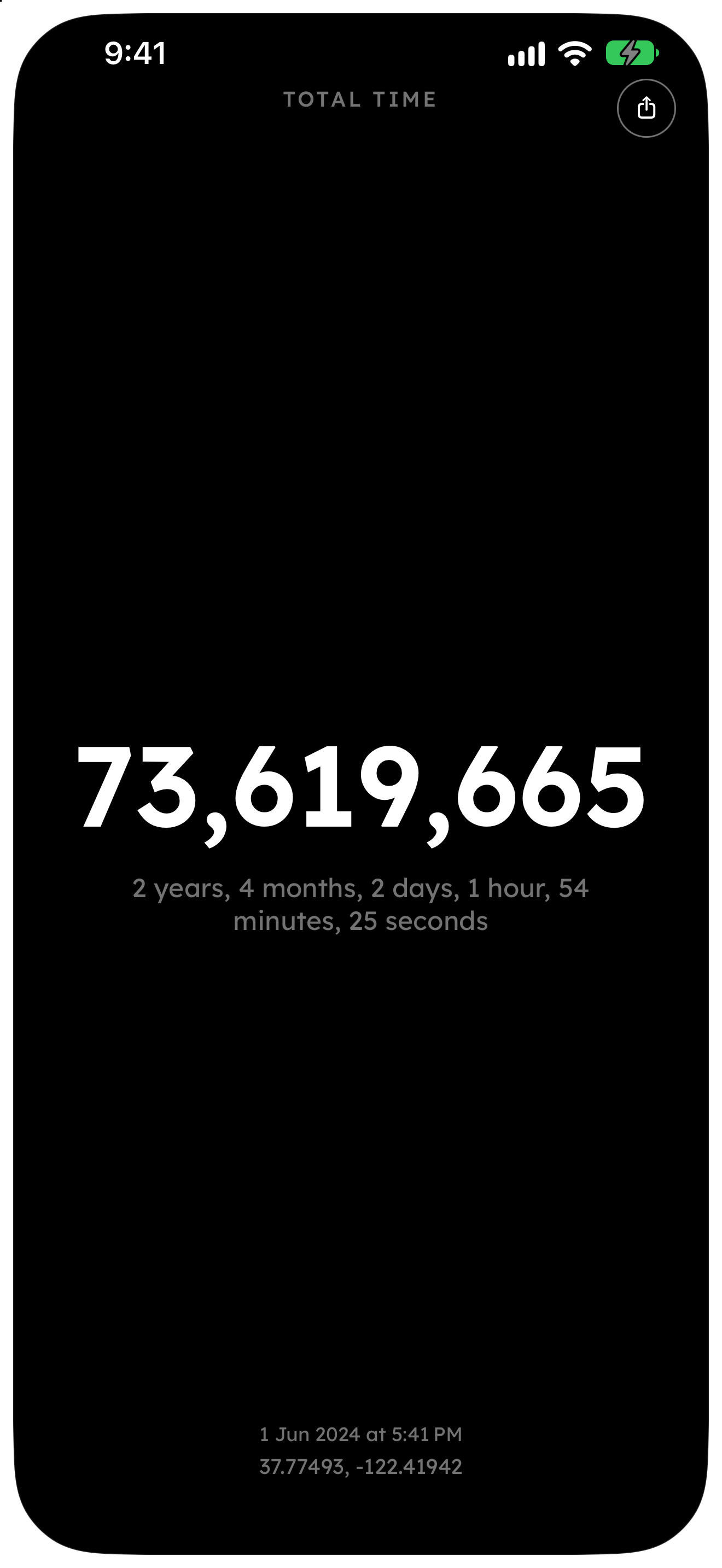
The Start Button is a single-purpose iPhone app. One tap starts a timer that never resets in the app — only the elapsed time since you committed.
Download on the App Store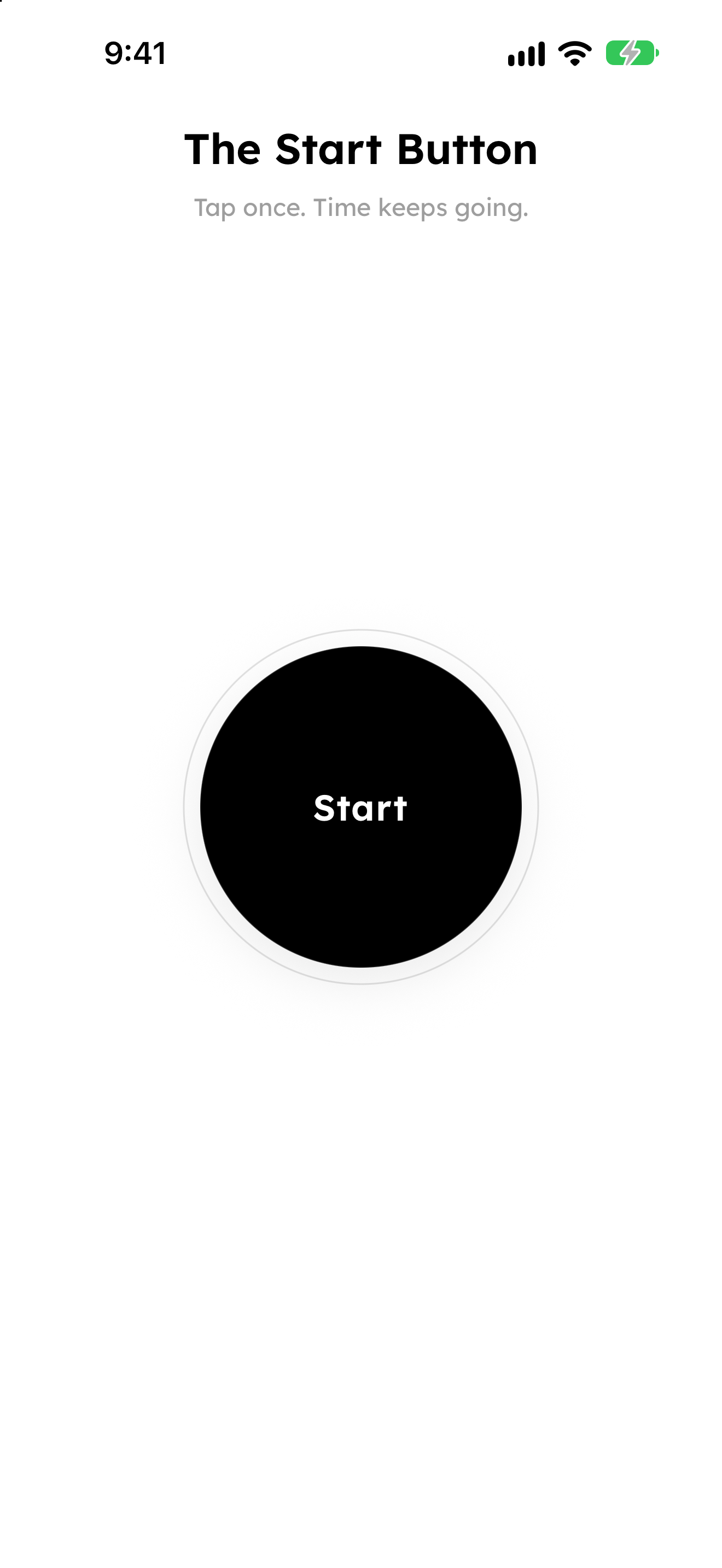
No setup, no account, no going back.
One control. No setup, no account, no second button.
There is no edit, delete, or undo. Uninstalling does not start over. Once you start, there is no way to go back.
A Home Screen widget keeps counting. Share a snapshot when you want to show the commitment.
No. There is no reset, edit, or undo. Uninstalling does not start over either. Once you tap Start, there is no way to go back.
No. Your start time stays on the device. No sign-in is required.
The timer persists even if you uninstall the app. Reinstalling brings back the same start. There is no way to go back.
Yes. Add The Start Button widget to the Home Screen to see elapsed time without opening the app.
Download The Start Button for iPhone.
Download on the App Store